SSH muddles the Terminal.app title
June 24, 2020 Leave a comment
Normally, the macOS Terminal.app title bar includes the current directory name. When you connect to a remote host with openssh on macOS, the title bar gets updated to be “$(whoami)@$(hostname): $(pwd)” instead. Unfortunately when you exit ssh, the terminal title bar is not restored and continues to say you are on a remote host.
Once you see it, you can’t unsee it.
I’m sorry.
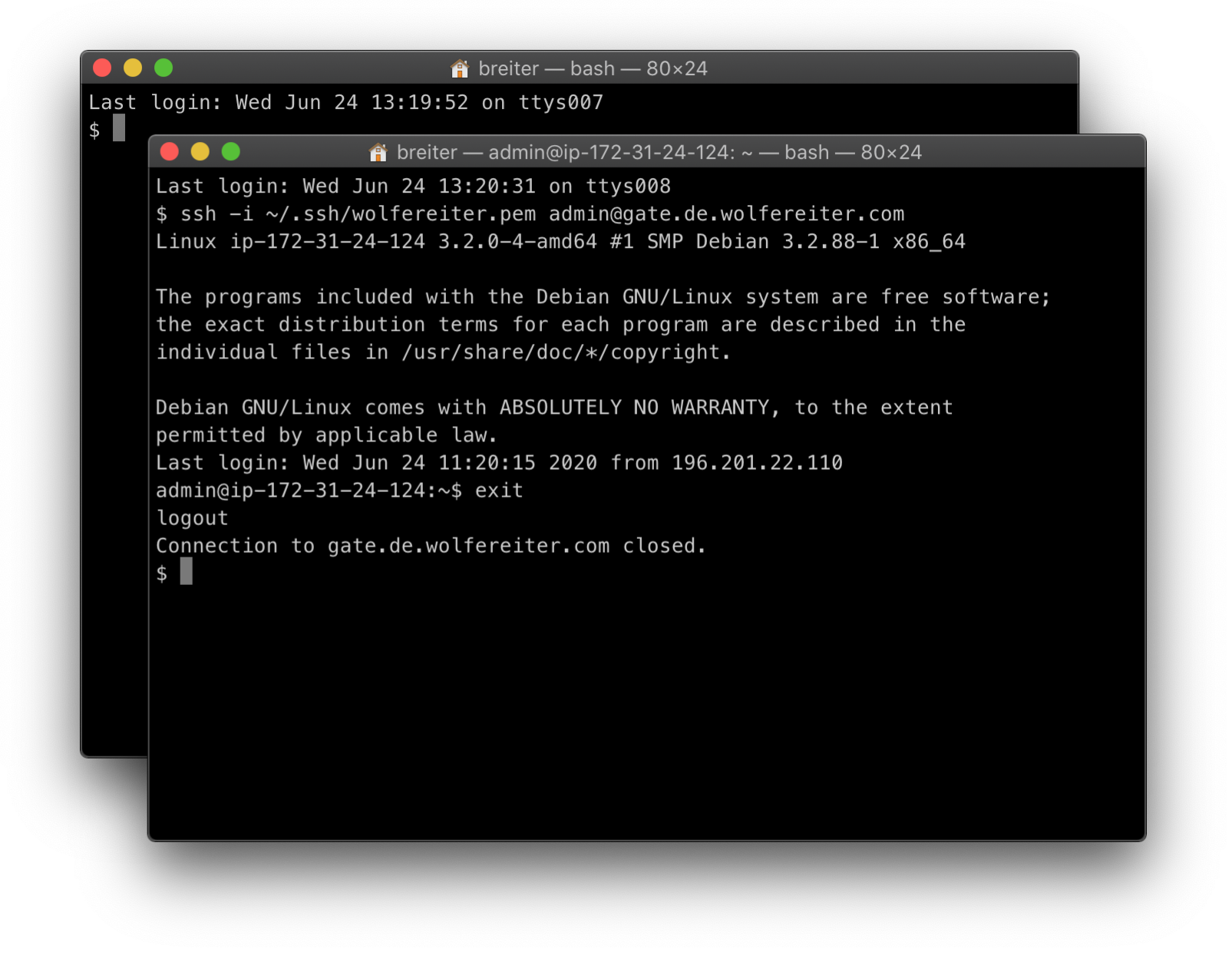
My solution is to use arcane escape sequences to reset the Terminal title every time bash generates a new prompt:
This file contains hidden or bidirectional Unicode text that may be interpreted or compiled differently than what appears below. To review, open the file in an editor that reveals hidden Unicode characters.
Learn more about bidirectional Unicode characters
| # Add to ~/.bashrc | |
| # | |
| # force reset of the current directory name in terminal title | |
| # to reset it after SSH sessions end. | |
| PROMPT_COMMAND='echo -ne "\033]0;$(basename ${PWD})\007"' |
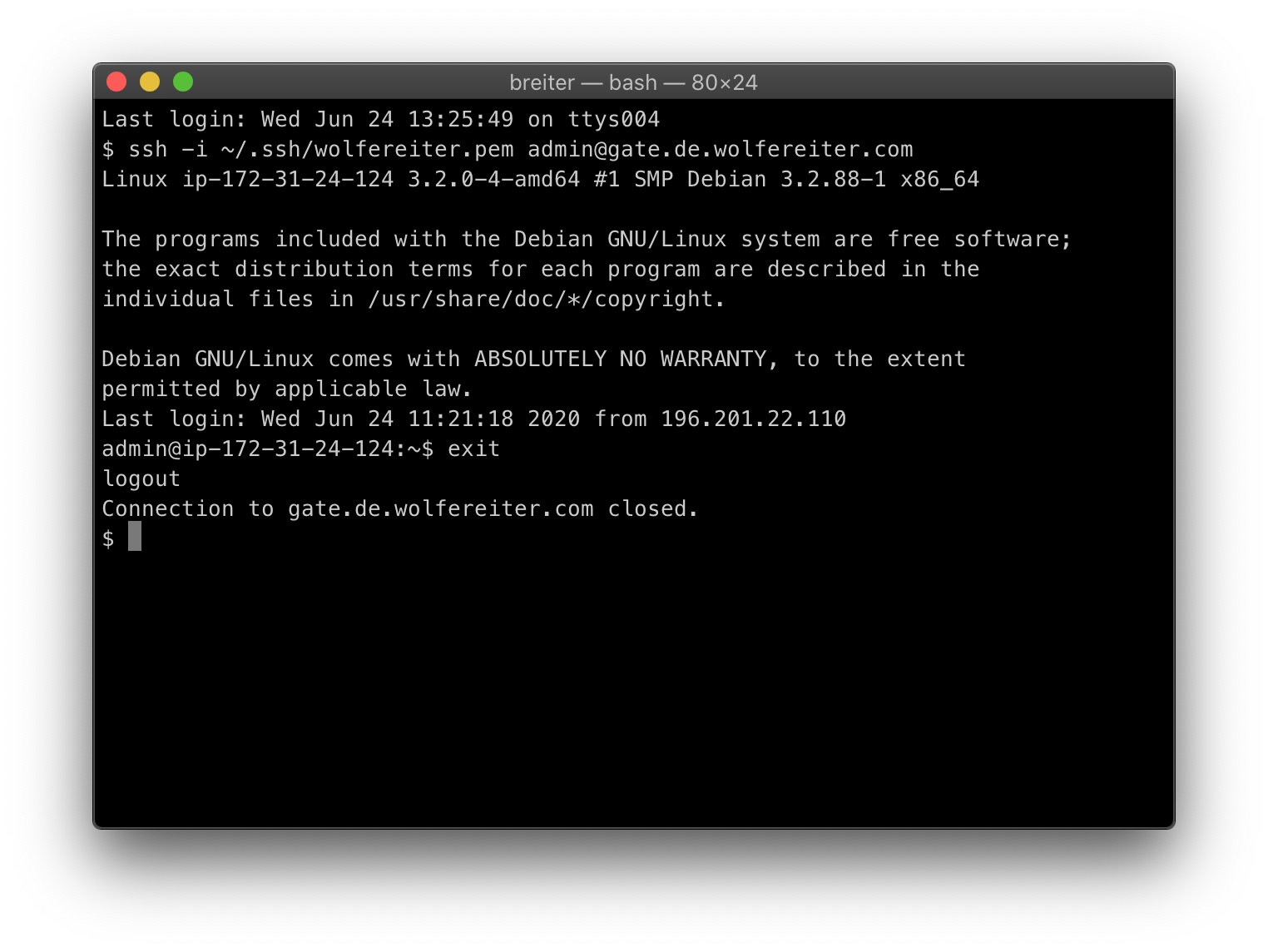
The incantation is slightly different but conceptually the same for zsh.
This file contains hidden or bidirectional Unicode text that may be interpreted or compiled differently than what appears below. To review, open the file in an editor that reveals hidden Unicode characters.
Learn more about bidirectional Unicode characters
| # Add to ~/.zshrc | |
| function clear_term_title { | |
| # removes the text that ssh puts into the terminal title | |
| printf '\033]0;\007' | |
| } | |
| PROMPT="$(clear_term_title)%% " |
 Brian Reiter's Thoughtful Code